Choosing Safe AI Learning Apps for Children Aged 3-12: A Parent's Guide
Navigate the world of AI learning apps for children aged 3-12. Learn key safety features, age-appropriateness, and educational value to make informed choices for your child's screen time.

Choosing Safe AI Learning Apps for Children Aged 3-12: A Parent's Guide
In today's digital age, parents are constantly seeking ways to provide their children with enriching and secure screen time experiences. Artificial Intelligence (AI) learning apps have emerged as a powerful tool, promising personalized education and engaging content. However, with the rapid evolution of AI, a crucial question arises for parents: how do we ensure these apps are truly safe and beneficial for our children aged 3-12?
This guide is designed to equip you with the knowledge and practical steps needed to confidently navigate the landscape of AI learning apps. We'll explore what makes an app safe, what features to prioritize, and how to make informed decisions that support your child's development while protecting their privacy and well-being.
Understanding the Appeal of AI Learning for Kids
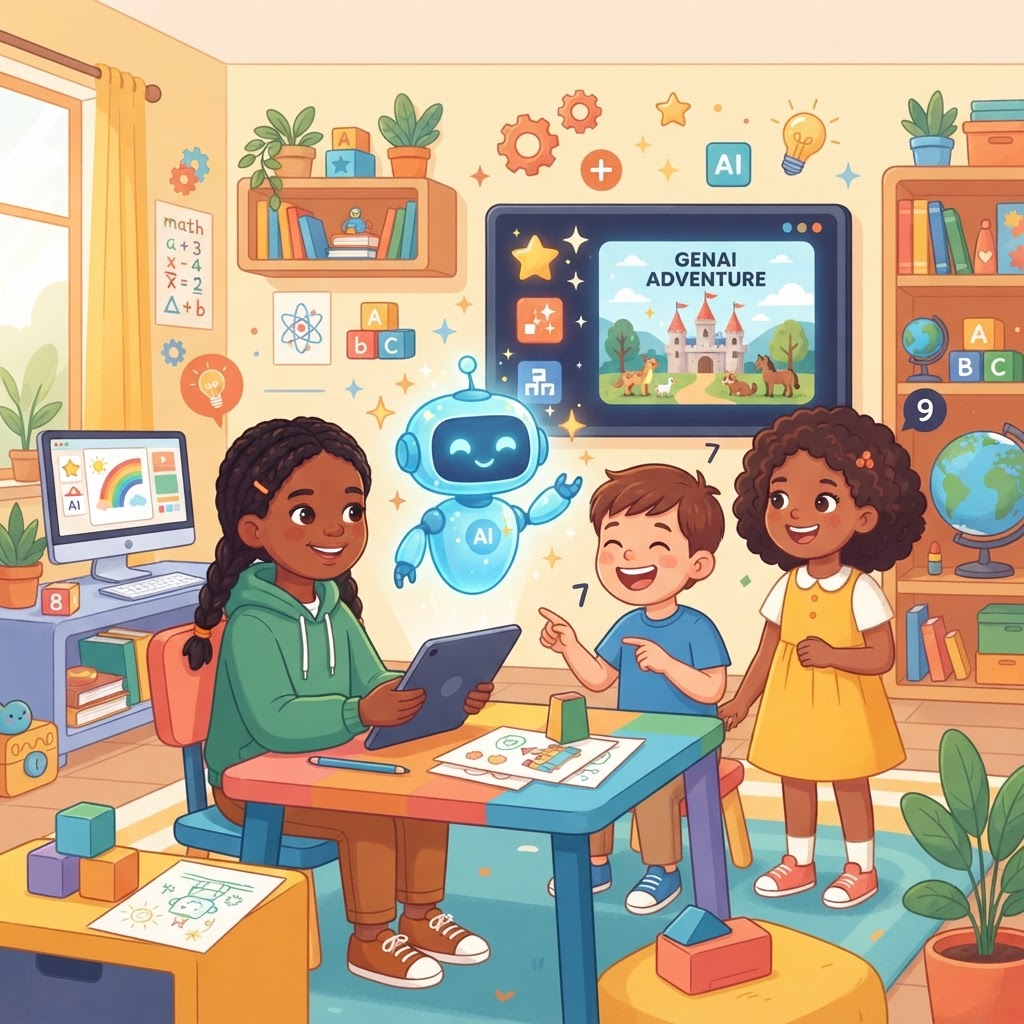
AI learning apps offer a unique blend of technology and pedagogy, creating dynamic educational experiences that traditional methods often cannot replicate. For children aged 3-12, this can translate into more engaging and effective learning journeys. The core appeal lies in their ability to adapt and personalize.
- Personalized Learning: AI can analyze a child's progress, strengths, and weaknesses, then tailor lessons and activities to their individual pace and style. This means no child is left behind or held back, fostering a sense of accomplishment.
- Interactive Engagement: Beyond static content, AI apps often feature interactive stories, adaptive quizzes, and game-like challenges that keep children actively involved. This engagement can transform learning from a chore into an exciting adventure.
- Accessibility: These apps can make high-quality educational content accessible anytime, anywhere, supplementing school learning and providing opportunities for continuous growth outside the classroom.
While the benefits are clear, the innovative nature of AI also introduces new considerations, particularly regarding safety and ethical use. Understanding these aspects is paramount for any parent.
What Makes an AI App 'Safe' for Children?
Safety is the cornerstone of any digital experience for children. When it comes to AI learning apps, 'safe' encompasses more than just avoiding inappropriate content; it delves into data handling, ethical design, and the overall environment the app creates for young users. Here's what to scrutinize:
Data Privacy and Security: Protecting Your Child's Information
One of the most critical aspects of an AI app's safety is how it handles your child's data. AI systems often rely on data to personalize experiences, but this data must be collected and stored responsibly.
- COPPA Compliance: Look for apps that explicitly state compliance with the Children's Online Privacy Protection Act (COPPA) in the US, or similar regulations like GDPR-K in Europe. This indicates a commitment to protecting children's online privacy.
- Clear Privacy Policies: A trustworthy app will have an easy-to-understand privacy policy that details:
- What information is collected (e.g., usage data, progress, personal identifiers).
- How that information is used (e.g., for personalization, improving the app).
- Whether data is shared with third parties, and if so, under what circumstances.
- How parents can access, review, or delete their child's data.
- Data Minimization: Safe apps collect only the data necessary for their educational function, avoiding excessive or irrelevant information gathering.
- Secure Data Storage: Ensure the app uses robust encryption and security measures to protect stored data from breaches.
Key takeaway: Prioritize apps with transparent, child-focused privacy policies and strong data security practices.
Content Moderation and Age Appropriateness
AI-generated content, while innovative, requires careful oversight to ensure it's suitable for young minds. The app should have mechanisms in place to prevent exposure to harmful or inappropriate material.
- Human Oversight: Even with AI, human moderators are crucial for reviewing content and ensuring it aligns with age-appropriate standards and educational goals.
- Content Filtering: The app should employ advanced filtering technologies to block objectionable language, images, or themes from appearing in interactive elements or AI-generated responses.
- Educational Relevance: All content, whether pre-programmed or AI-generated, should directly support the app's educational objectives and be tailored to the specific age range it serves.
Key takeaway: Verify the app's commitment to strict content moderation and age-appropriate design across all its features.
Ad-Free and Commercial-Free Environments
Children are particularly susceptible to advertising and in-app purchases. A truly safe AI learning app will create a distraction-free zone for learning.
- No Third-Party Ads: The presence of third-party advertisements can expose children to inappropriate content or manipulative marketing tactics.
- No In-App Purchases: Avoid apps that encourage or require in-app purchases for essential learning content. All core features should be accessible with the initial subscription or purchase.
- Clear Separation of Content: If an app offers premium features, they should be clearly delineated and not disrupt the learning flow of the core experience.
Key takeaway: Opt for apps that provide a completely ad-free and commercial-free learning environment.
Ethical AI Design: Transparency and Bias Mitigation
The ethical implications of AI are complex, but for children's apps, it boils down to fairness, transparency, and avoiding harmful biases.
- Transparency in AI Use: The app should be clear about when and how AI is being used, especially if it involves generating responses or personalized feedback.
- Bias Mitigation: Developers should actively work to ensure their AI models are trained on diverse datasets to prevent perpetuating stereotypes or biases in content or recommendations.
- Focus on Learning, Not Manipulation: The AI's primary goal should be to enhance learning, not to maximize screen time or engagement through manipulative psychological tactics.
Key takeaway: Choose apps from developers who demonstrate a commitment to ethical AI principles and responsible design for children.
Key Features to Look for in Age-Appropriate AI Learning Apps (3-12)
Beyond safety, the effectiveness of an AI learning app hinges on its educational value and how well it engages children. Here's what to look for to ensure a rich learning experience:
Personalized Learning Paths
This is where AI truly shines. A good app will adapt to your child's unique learning journey.
- Adaptive Difficulty: The app should adjust the challenge level of activities based on your child's performance, ensuring they are always learning at their optimal pace.
- Individualized Feedback: AI can provide instant, constructive feedback that helps children understand their mistakes and learn from them effectively.
- Progress Tracking: The app should offer clear insights into your child's learning progress, highlighting areas of strength and those needing more attention.
Interactive and Engaging Content
For children aged 3-12, learning is most effective when it's fun and interactive.
- Gamification: Incorporating game-like elements such as points, badges, and rewards can motivate children and make learning feel like play.
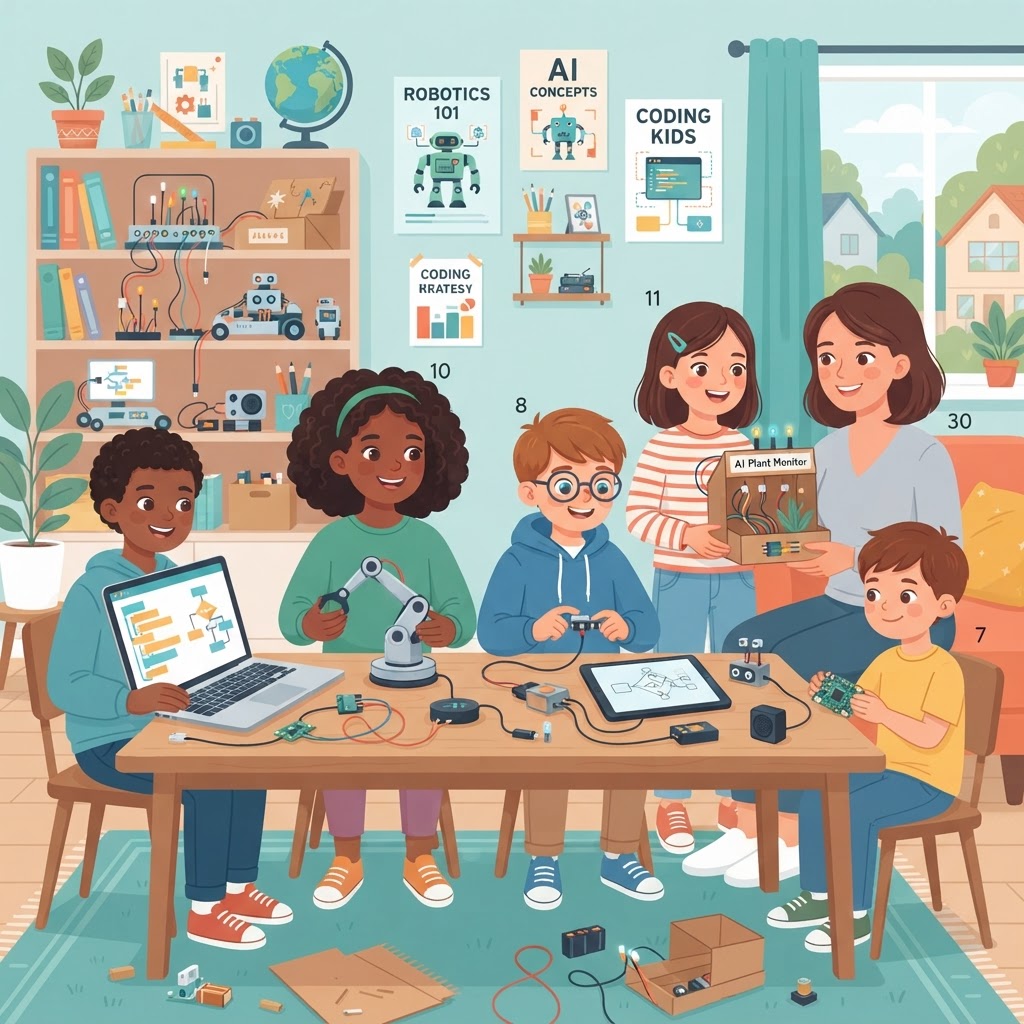
- Diverse Formats: Look for apps that offer a variety of content types: interactive stories, quizzes, puzzles, creative challenges, and virtual experiments.
- Multi-Sensory Experience: Apps that engage multiple senses (visuals, audio, touch) can enhance comprehension and retention.
Curriculum Alignment and Educational Value
An AI learning app should complement, not contradict, your child's formal education.
- Curriculum Standards: Check if the app aligns with recognized educational standards (e.g., Common Core, national curricula). This ensures the content is relevant and foundational.
- Skill Development: The app should clearly state which skills it aims to develop, such as literacy, numeracy, critical thinking, problem-solving, or creativity.
- Expert-Designed Content: Content developed or reviewed by educators and child development specialists adds significant credibility and ensures pedagogical soundness.
Intuitive User Interface for Young Learners
Ease of use is crucial, especially for younger children. A complex interface can lead to frustration and disengagement.
- Simple Navigation: Clear, intuitive menus and icons that even a 3-year-old can understand are essential.
- Visually Appealing: Bright colors, friendly characters, and engaging animations can capture and hold a child's attention.
- Minimal Text for Younger Ages: For children in the 3-7 age range, rely more on visual and audio cues rather than extensive text instructions.
Parental Controls and Monitoring: Your Role in Safe Screen Time
Even with the safest apps, parental involvement is key. Robust parental controls empower you to manage your child's digital learning experience effectively.
- Time Limits: The ability to set daily or weekly screen time limits for the app helps manage overall usage.
- Progress Reports: Detailed dashboards showing your child's learning progress, completed lessons, and areas of difficulty are invaluable for understanding their engagement and growth.
- Content Management: Some apps allow parents to customize content, enabling or disabling certain topics or features based on their child's needs or family values.
- Communication Features: If the app includes any form of communication (e.g., with AI characters), ensure it's fully moderated and safe, with parental oversight options.
Remember: No app, however safe, can replace active parental supervision and engagement. Regularly check in with your child about their learning, discuss what they're doing on the app, and ensure it's a positive experience.
Making an Informed Choice: A Checklist for Parents
Use this checklist to evaluate potential AI learning apps for your child:
- Privacy Policy: Is it clear, COPPA/GDPR-K compliant, and does it detail data collection, usage, and deletion options?
- Content Safety: Are there robust content moderation systems and human oversight to ensure age-appropriate and safe content?
- Ad-Free Experience: Is the app completely free of third-party ads and manipulative in-app purchases?
- Ethical AI: Does the developer demonstrate a commitment to fair, transparent, and bias-mitigated AI design?
- Personalization: Does the app adapt to your child's learning pace and provide individualized feedback?
- Engagement: Is the content interactive, fun, and varied, using gamification where appropriate?
- Educational Value: Does it align with educational standards and clearly state the skills it develops?
- User Interface: Is it intuitive, visually appealing, and easy for your child's age group to navigate?
- Parental Controls: Are there features for setting time limits, monitoring progress, and managing content?
- Reviews and Reputation: What do other parents and educational experts say about the app?
Next Steps for Safe and Engaging Learning
Choosing the right AI learning app is a thoughtful process, but the rewards of personalized, engaging education are significant. By prioritizing safety, educational value, and age-appropriateness, you can unlock a world of learning opportunities for your child.
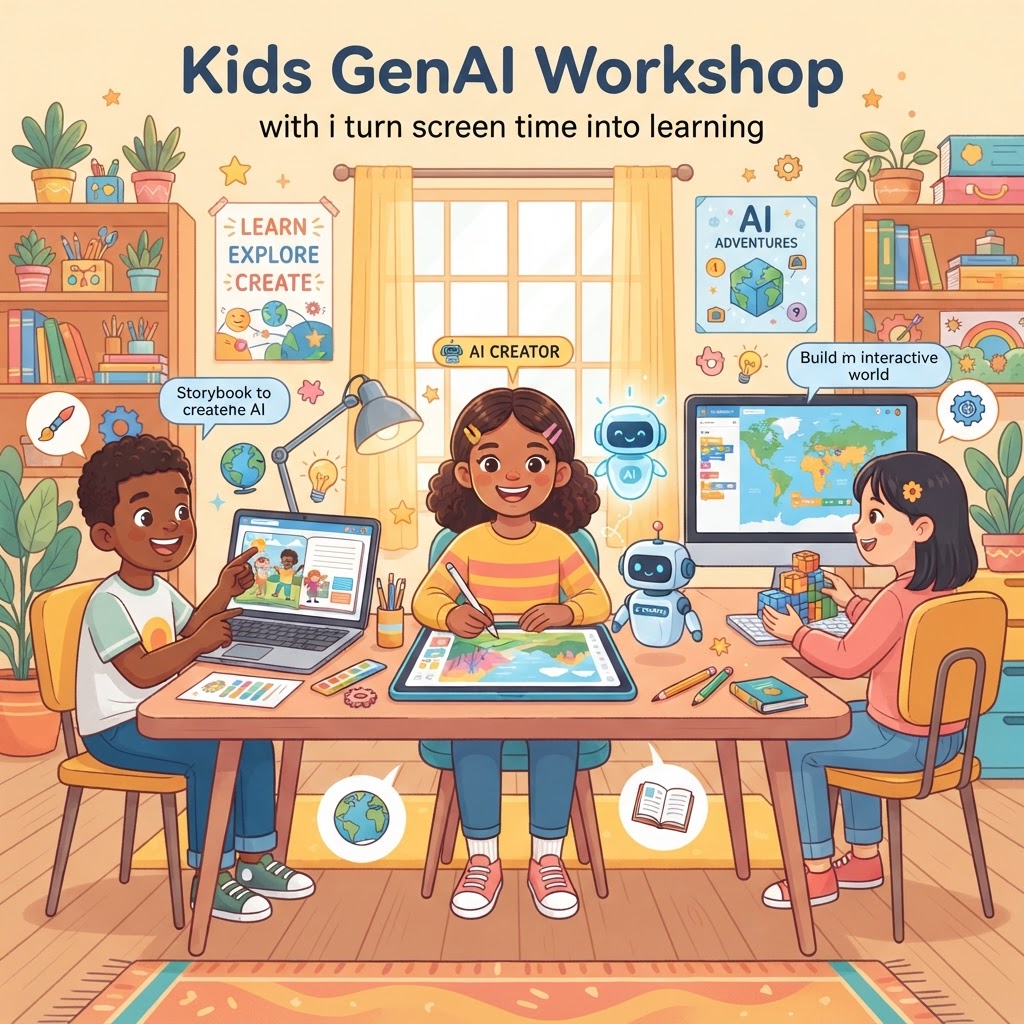
As you explore options, consider apps like GenAI Kids. It's an AI-powered learning app for children featuring personalized, safe, age-appropriate interactive lessons, stories, and quizzes, designed with the very principles discussed in this guide in mind. It aims to provide a secure and enriching environment for children aged 3-12, offering useful guidance before promotion.
Take the next step: Empower your child's learning journey with a safe and effective AI app. Explore options that meet your family's needs and educational goals. For a practical example of an app built with these principles, you can Download the App and see how personalized, safe AI learning can benefit your child today.
Next step for GenAI Kids
When you are ready to apply this guidance, visit Download the App and compare the workflow against your current site priorities.
Ready to Start Learning AI?
Join thousands of kids on GenAI Kids — free beginner lessons, no card needed.