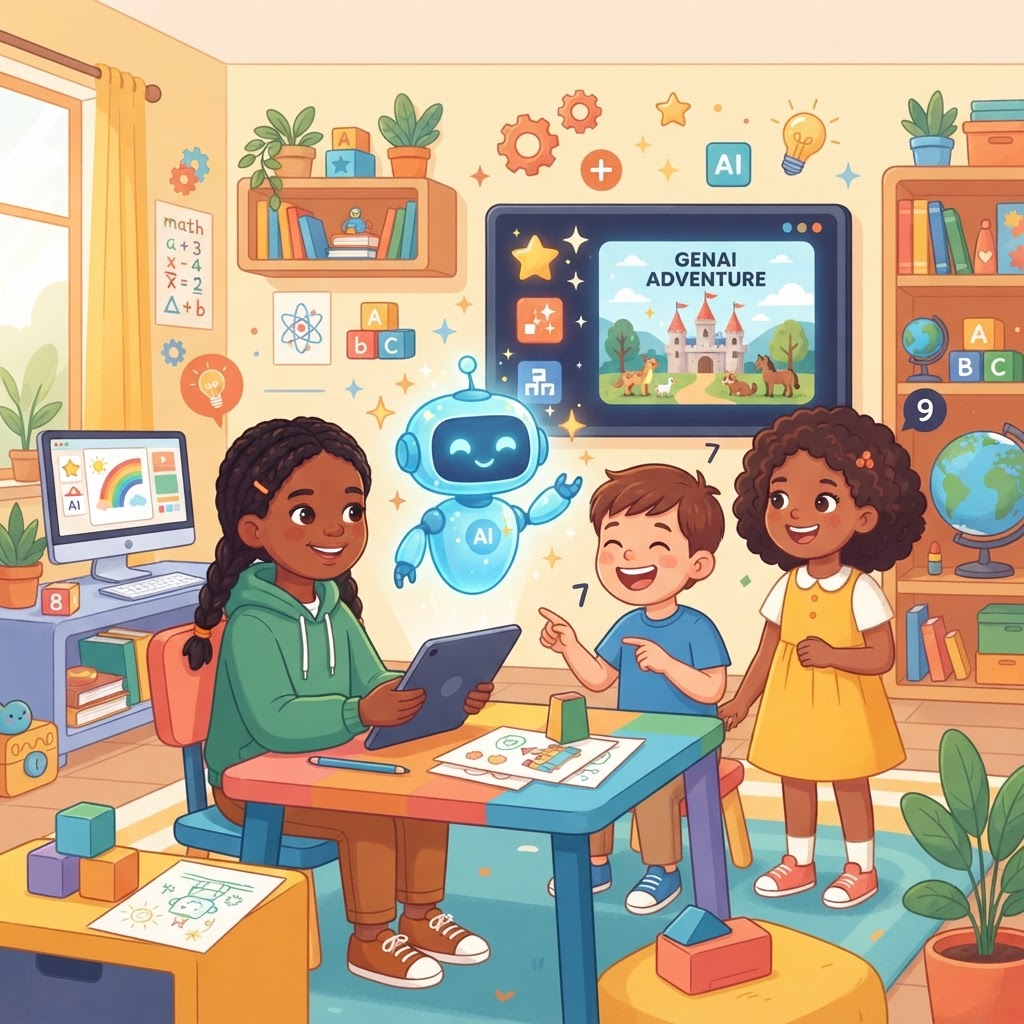
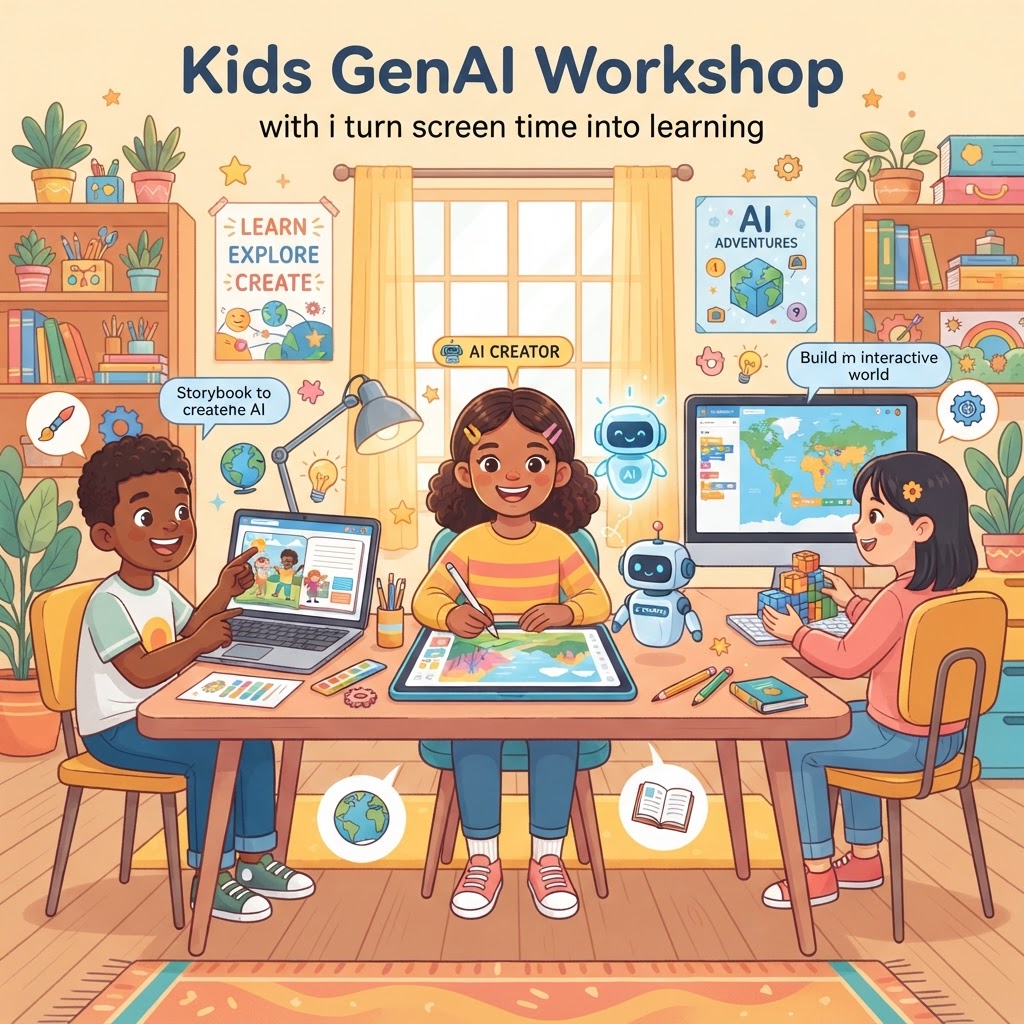
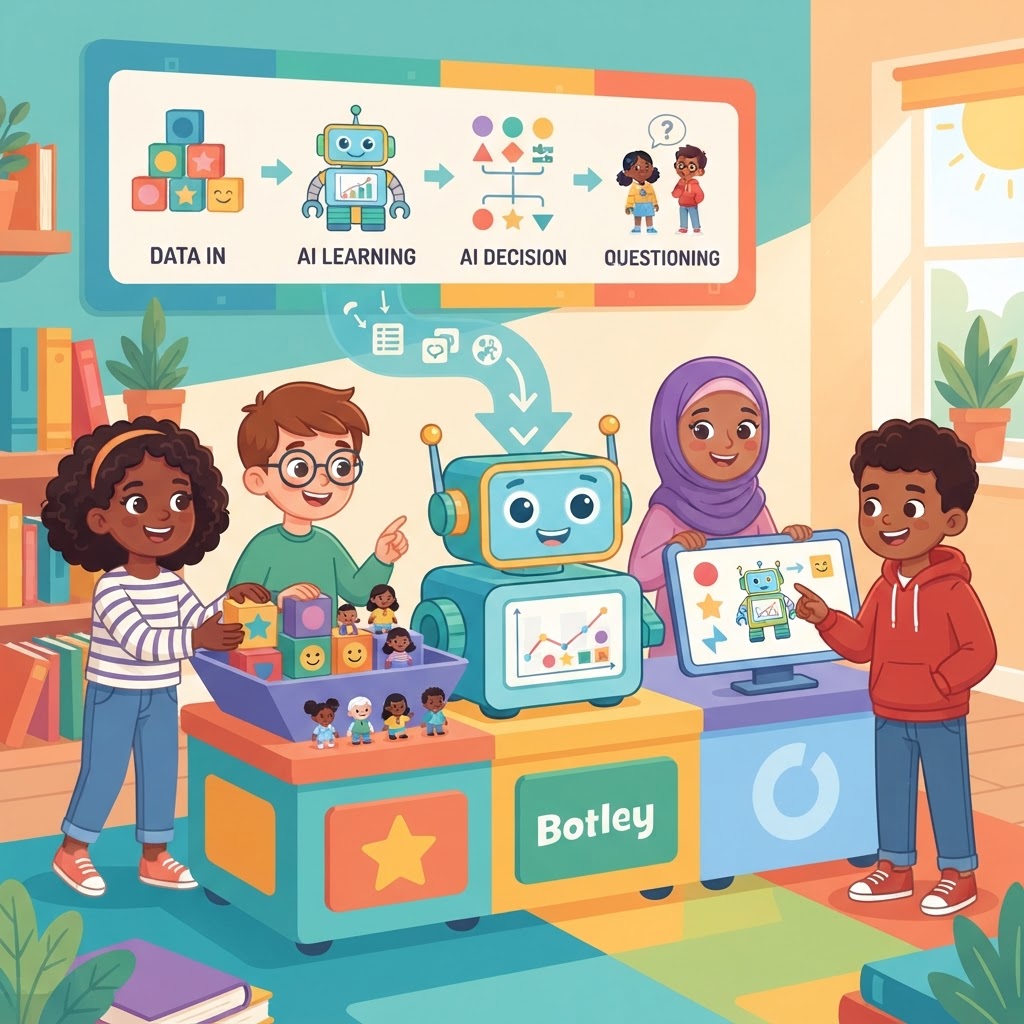
Student Spotlight: Kids Building Real AI Projects at Home: A Teacher and Parent Checklist
Help your child explore the world of technology with this practical checklist for supporting student-led AI projects at home.
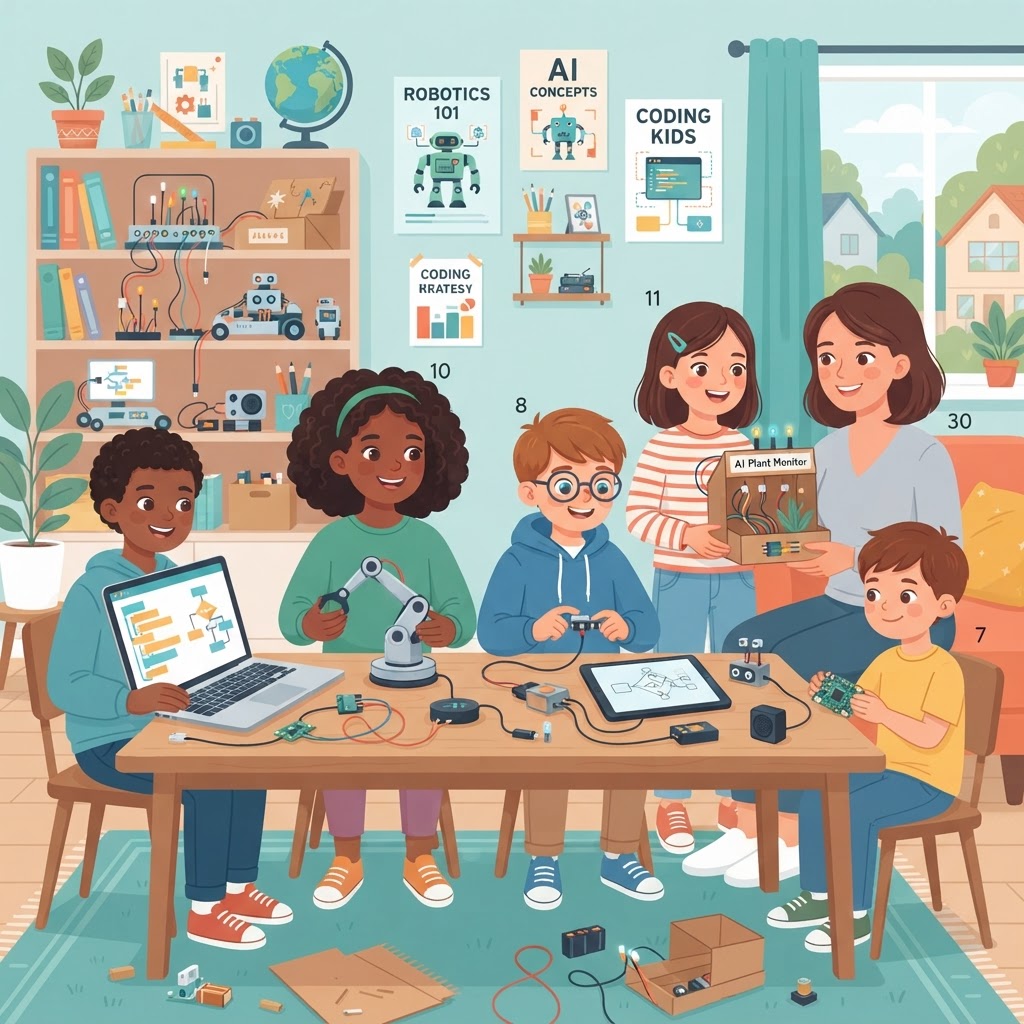
When Kids Become Creators: The AI Project Revolution
Something remarkable is happening at kitchen tables and in school computer labs around the world. Children as young as seven are training image classifiers, building chatbots, and designing AI-powered games — not for a grade, but because they want to. The barrier between "learning about AI" and "actually building with AI" has never been lower, and today's students are sprinting through that open door.
For parents and educators watching this unfold, it can feel equal parts exciting and overwhelming. How do you support a child who wants to build a real AI project at home? How do you know if what they're creating is genuinely meaningful? And how do you ensure the experience is safe, structured, and educationally sound?
This guide is your checklist — a practical, encouraging roadmap for nurturing young AI builders at every stage.
What "Real" AI Projects Actually Look Like for Kids
Before we dive into checklists, it helps to reset expectations. A "real" AI project doesn't mean a child is writing neural network code from scratch. Real AI projects for kids are defined by genuine problem-solving and creative application — using tools, platforms, and guided frameworks to build something that thinks, learns, or responds.
Examples by Age Group
Ages 6–9: Training a machine learning model to recognise drawings or sort images by colour and shape. Using block-based tools to teach a computer new responses.
Ages 10–12: Building a simple chatbot that answers questions about their favourite topic, creating a recommendation system for books or games, or designing an AI-powered quiz.
Ages 13–16: Developing sentiment analysis tools, experimenting with generative AI for creative writing projects, or building apps that use pre-trained models via beginner-friendly APIs.
These projects aren't trivial. They require logical thinking, iteration, and problem-solving — precisely the skills that employers will value in the next decade.
The Parent Checklist: Supporting AI Projects at Home
Parental involvement doesn't mean doing the project for your child. It means creating the right conditions for them to thrive. Work through this checklist before and during any home AI project.
Before They Start
- [ ] Discuss the "why." Ask your child what problem they want to solve or what they find curious. Projects rooted in genuine interest last longer and go deeper.
- [ ] Check the tools are age-appropriate. Platforms like GenAI Kids are specifically designed with child safety and developmental appropriateness in mind — a much safer starting point than adult-facing tools.
- [ ] Set up a dedicated workspace. Even a corner of the kitchen table with consistent access to a device helps signal that this is serious, valued work.
- [ ] Review data and privacy settings. If a project involves photos, voice, or personal data, read the platform's privacy policy together. Make this a teaching moment about digital responsibility.
During the Project
- [ ] Ask questions, don't give answers. "What do you think would happen if...?" is more powerful than telling them the next step.
- [ ] Celebrate the failures. An AI model that gives wrong answers is not a failed project — it's a project with fascinating next steps. Reframe errors as data.
- [ ] Document the journey. Encourage your child to keep a simple project journal: what they tried, what worked, what didn't. This builds reflection skills and makes a brilliant portfolio piece.
- [ ] Watch for frustration thresholds. Know when to suggest a break versus when to encourage persistence. The difference matters enormously for long-term motivation.
The Educator Checklist: Bringing AI Projects Into the Classroom
Teachers are often the first people to spot a child's passion for technology — and the first to face the challenge of channelling it productively within curriculum constraints. This checklist is designed for classroom contexts.
Planning Phase
- [ ] Align with learning outcomes. AI projects naturally touch on maths (data, probability), English (chatbot language design), and science (hypothesis testing). Map the project to existing outcomes before pitching it to leadership.
- [ ] Choose collaborative tools. Projects that allow peer feedback and group contributions teach AI and communication skills simultaneously.
- [ ] Source quality learning scaffolds. Resources from GenAI Kids offer structured, curriculum-aligned content that takes the planning burden off teachers while keeping learning rigorous.
Implementation Phase
- [ ] Run a "What is this AI doing?" discussion first. Before building, ensure students can articulate how the AI they're using actually works at a conceptual level. Understanding precedes application.
- [ ] Build in presentation opportunities. Whether it's a two-minute class share or a school science fair entry, articulating what they built deepens understanding dramatically.
- [ ] Assess the process, not just the product. Use reflective questions: What would you change? What surprised you? What did the AI get wrong?
- [ ] Connect with parents. Send home a brief overview of the project and why it matters. Parents who understand the educational value become powerful supporters.
Practical Tips for Showcasing Student Work
Once a project is complete, the learning doesn't have to stop. Here's how to extend the impact:
- Create a simple portfolio. A free website builder or even a shared document with screenshots and reflections is enough to showcase progress over time.
- Enter competitions. Many national and international STEM competitions now have dedicated AI categories for young people. These deadlines create fantastic motivation.
- Share responsibly on social media. If sharing online, focus on the work rather than identifying details. Blur faces, avoid full names, and celebrate the achievement.
- Connect with a community. Online communities and platforms dedicated to young makers — including GenAI Kids — offer peer inspiration and a sense of belonging that sustains motivation between projects.
Key Takeaways
- Children aged 6–16 can build meaningful AI projects using age-appropriate tools and guidance.
- Parent support is most powerful when it asks questions, celebrates failure, and creates consistent space for exploration.
- Educators can integrate AI projects across subjects by aligning them with existing learning outcomes.
- Documentation, presentation, and reflection dramatically deepen the learning value of any project.
- Showcasing student work — through portfolios, competitions, or community sharing — extends motivation and builds long-term confidence.
The Builders of Tomorrow Are Working Right Now
Every child who trains their first model, debugs their first chatbot, or watches their first AI-powered app respond to input is experiencing something genuinely transformative. They're not just learning about technology — they're learning that they have the power to shape it.
Your role as a parent or educator isn't to have all the answers. It's to hold the space, ask the right questions, and cheer loudly when something works — and even louder when it doesn't quite yet.
Ready to help a young builder take their first step? Explore the project guides and learning pathways at GenAI Kids and discover just how much is possible when kids are given the tools to create.
Ready to Start Learning AI?
Join thousands of kids on GenAI Kids — free beginner lessons, no card needed.