Student Spotlight: Kids Building Real AI Projects at Home: Safe Activities to Try at Home
Discover safe and exciting AI projects for kids to build at home, nurturing creativity and helping them learn valuable tech skills.
From Curious Minds to Young Innovators: Kids Are Building AI Right Now
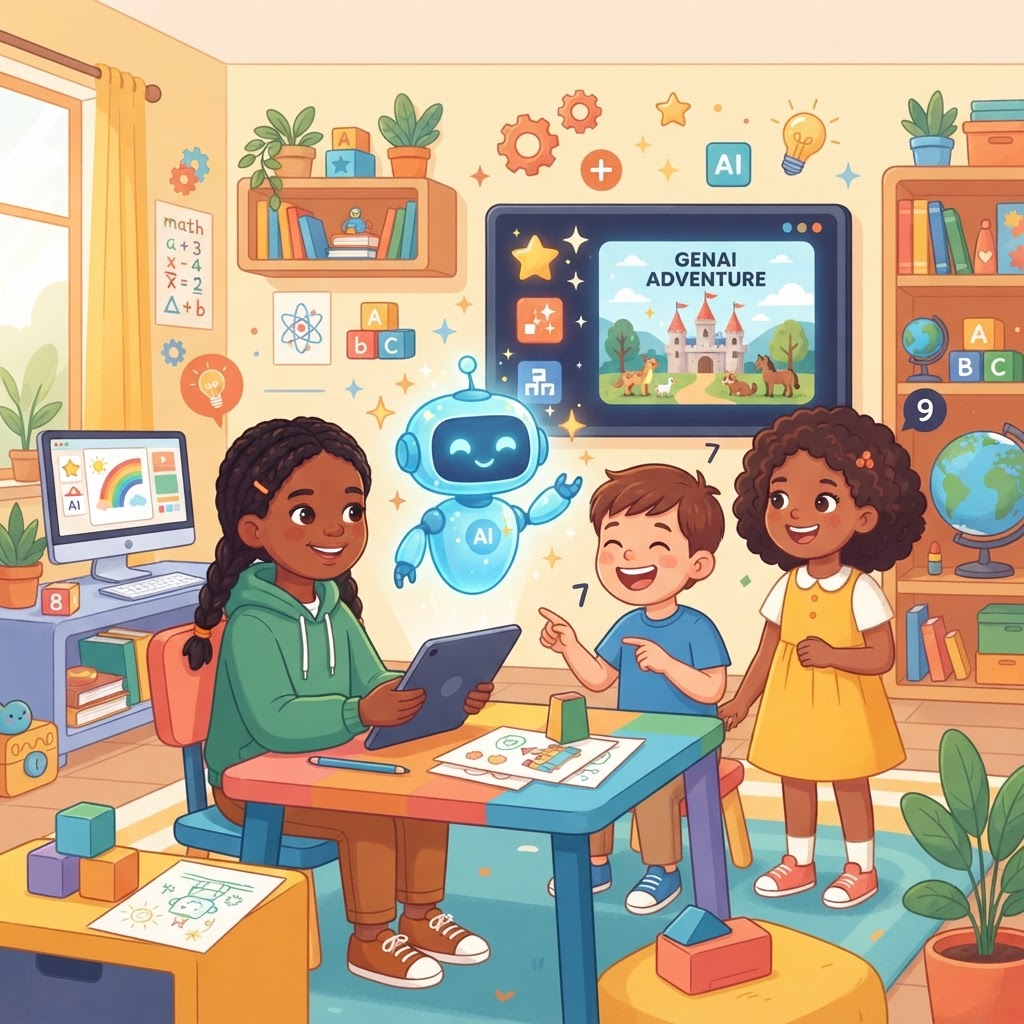
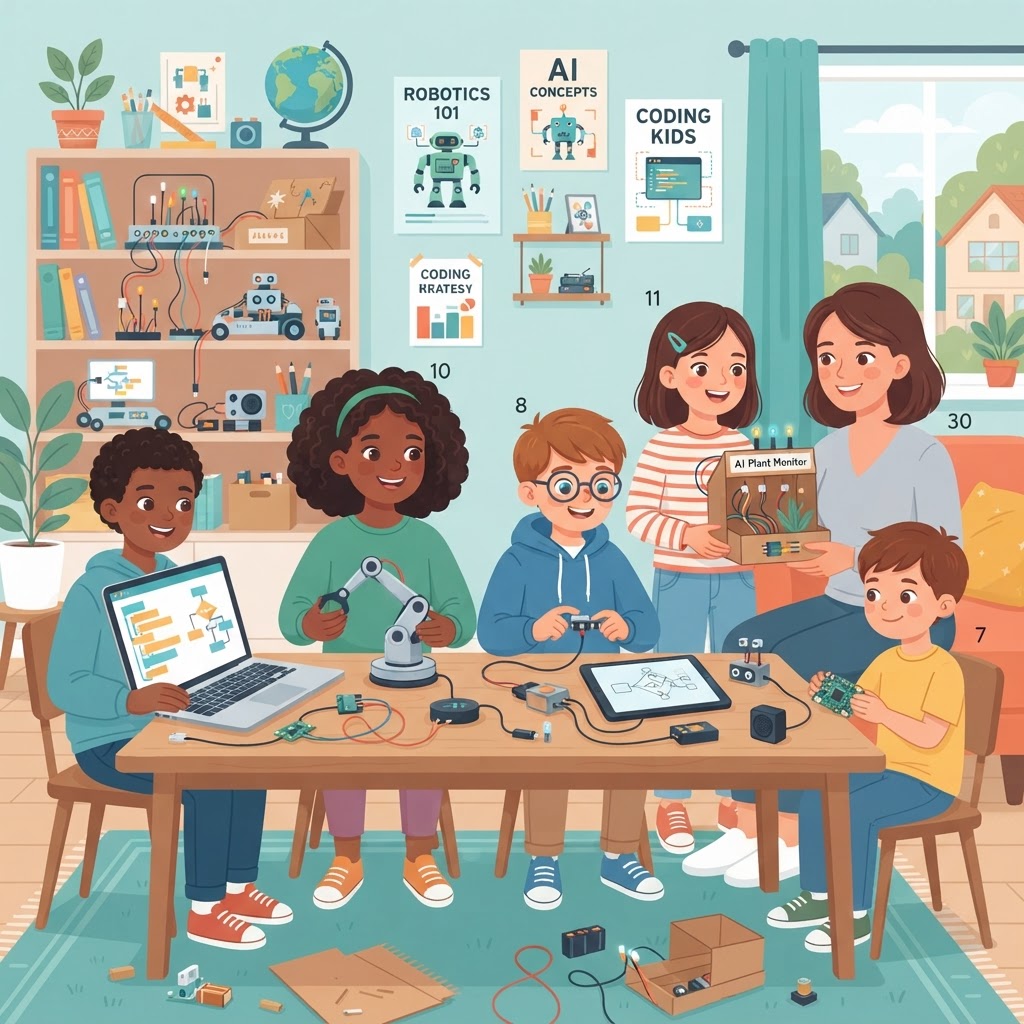
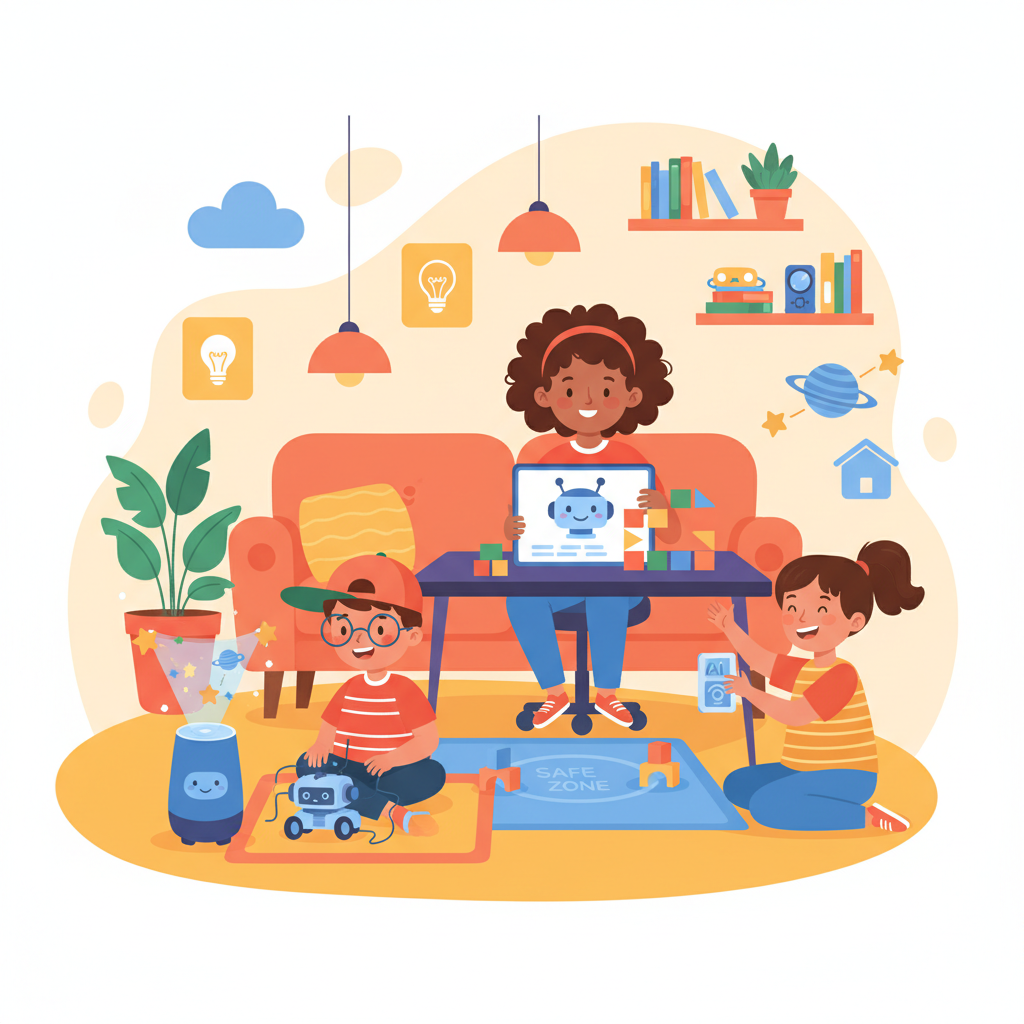
Something remarkable is happening at kitchen tables, bedroom desks, and living room floors across the country. Children as young as eight are building chatbots, training image-recognition models, and creating AI-powered stories — not just playing with technology, but genuinely understanding how it works.
This isn't a distant future scenario. It's happening today, and the results are extraordinary. Parents and educators who once worried that AI was "too advanced" for young learners are discovering that, with the right guidance, children often grasp core concepts faster than adults. Their natural curiosity, lack of preconceptions, and fearless approach to experimentation make them surprisingly natural AI builders.
So what does a real AI project look like for a child? And more importantly, how can you help your child get started safely and confidently? Let's explore what young learners are actually building — and how you can support the journey at home.
What Kids Are Actually Building: Real Project Inspiration
AI-Powered Storytelling Tools
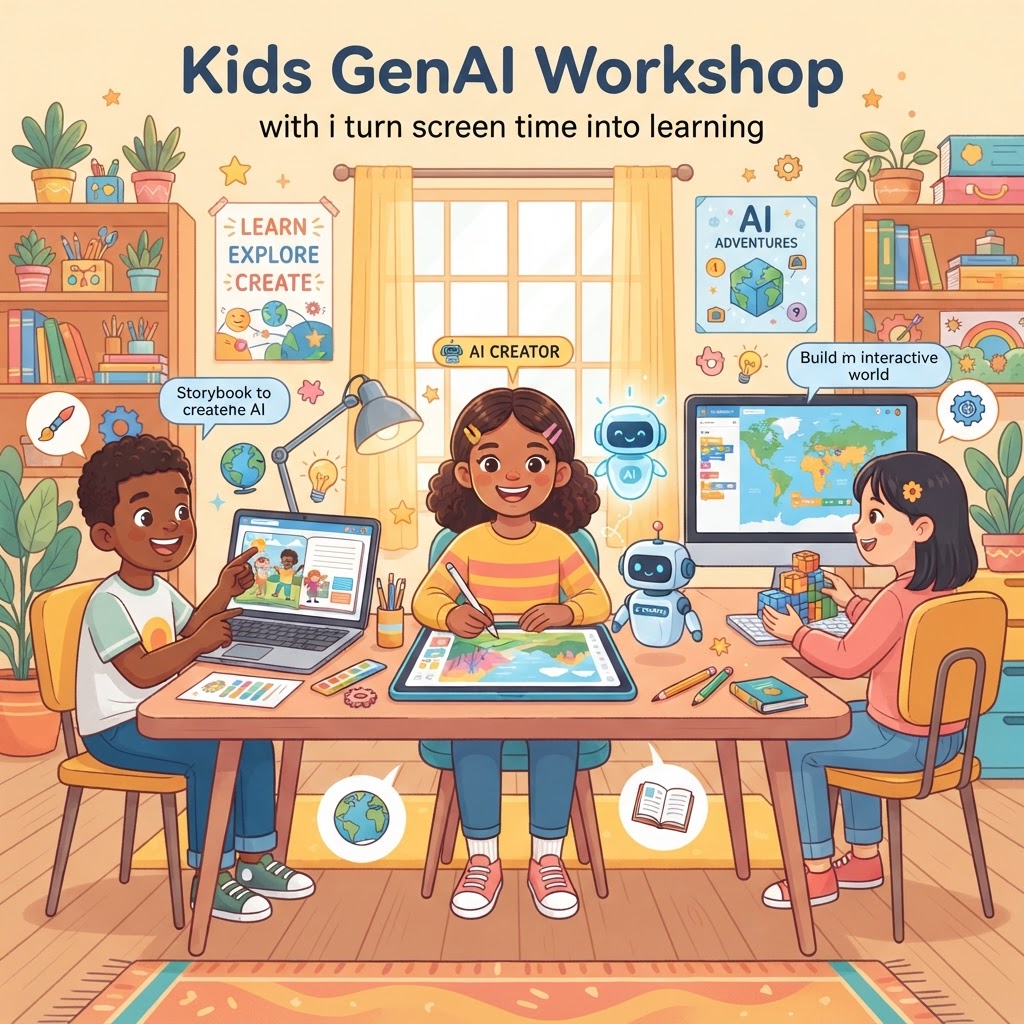
One of the most popular entry points for children aged 8–12 is using AI to co-write stories. Young learners are experimenting with language models to generate plot twists, invent characters, or build interactive choose-your-own-adventure narratives. Rather than passively receiving AI-generated content, children who understand the basics can prompt, refine, and critically evaluate what the AI produces — developing both creative and analytical skills simultaneously.
A 10-year-old might spend an afternoon crafting a fantasy world, deliberately tweaking their prompts to steer the story in different directions. In doing so, they're learning about input and output, cause and effect, and the importance of clear communication — all foundational AI concepts.
Image Classifiers and Pattern Recognition Projects
For slightly older children (typically 11–14), training a simple image classifier is a genuinely achievable and deeply satisfying project. Using free, browser-based tools like Google's Teachable Machine, kids can collect images, label them, and teach a model to recognise objects — their pets, household items, hand gestures, or even facial expressions.
One parent reported that her 12-year-old daughter spent three weekends building a model that could distinguish between her family's three cats with surprising accuracy. The project naturally opened conversations about how AI "sees," why data quality matters, and what happens when a model is trained on too little information.
Chatbot Builders and Virtual Assistants
Older students (14–16) are taking things further by building functional chatbots using platforms like Scratch AI extensions or beginner-friendly coding environments. Some are creating study assistants that quiz them on revision topics. Others are building accessibility tools — one teenage student developed a simple voice-response assistant designed to help his younger sibling, who has dyslexia, navigate homework tasks more independently.
These projects aren't just technically impressive. They're teaching empathy, problem-solving, and the real-world application of technology — skills that will matter enormously as AI continues to reshape every industry.
Keeping It Safe: What Parents Need to Know
Before your child dives in, a few important safeguards are worth establishing.
Choose age-appropriate, privacy-first platforms. Many AI tools designed for professionals collect significant amounts of user data. When children are experimenting at home, prioritise platforms built with young learners in mind — ones that don't require sharing personal information and have transparent data policies. GenAI Kids is built specifically with child safety at its core, ensuring that the learning environment is both stimulating and appropriately protected.
Stay involved without hovering. The sweet spot for parental involvement is being present and interested, not controlling. Ask your child to explain what they're building. Let them teach you. This not only reinforces their learning but gives you natural visibility into what they're creating and why.
Talk openly about AI ethics. Even young children can understand concepts like fairness, bias, and privacy when explained through relatable examples. If your child's image classifier starts making errors, ask: "Why do you think it got confused? Was the training data fair?" These conversations build critical thinking that extends far beyond the project itself.
Practical Tips to Help Your Child Start Their First AI Project
Starting can feel overwhelming, but it genuinely doesn't need to be. Here's a simple framework to get moving:
1. Start with curiosity, not curriculum. Ask your child what problem they'd love to solve or what topic genuinely excites them. The best AI projects start with a "What if?" question, not a worksheet.
2. Use free, browser-based tools first. Teachable Machine (by Google), Scratch with AI extensions, and the structured learning pathways available through GenAI Kids all allow experimentation without downloads, complex setup, or cost.
3. Embrace failure as data. When a project doesn't work as expected, resist the urge to fix it immediately. Ask your child what they think went wrong and what they'd try next. This mirrors real AI development — iteration is the process.
4. Document the journey. Encourage your child to keep a simple project journal — even just photographs or voice memos. This builds reflective habits and gives them something to share with teachers, friends, or even in future school applications.
5. Connect with a community. Learning alongside peers multiplies motivation. Look for online groups, school coding clubs, or structured programmes where young AI builders share their work and learn from each other.
Key Takeaways
- Children aged 6–16 are building genuinely impressive AI projects at home, from storytelling tools to image classifiers and chatbots
- The best projects begin with a real question or problem the child cares about personally
- Safety online means choosing purpose-built, privacy-conscious platforms and maintaining open conversations at home
- Parental involvement works best when it's curious and collaborative, not directive
- Failure and iteration aren't setbacks — they're the actual method of AI development
- Platforms like GenAI Kids provide structured, safe pathways for young learners to grow from complete beginners to confident builders
Your Child's AI Journey Starts With One Project
The children building AI projects today aren't exceptions. They're the early movers in a generation that will grow up shaping how artificial intelligence develops — not just using it, but questioning it, improving it, and deciding how it should serve humanity.
You don't need to be a tech expert to support this journey. You just need to be curious alongside them.
If you're looking for a structured, safe, and genuinely engaging place to begin, explore the courses and project guides available at GenAI Kids — designed by educators for learners aged 6–16, at every level from absolute beginner to advanced builder. Your child's first AI project might be just one afternoon away.
Ready to Start Learning AI?
Join thousands of kids on GenAI Kids — free beginner lessons, no card needed.